
Beamline Operation
Beamline Operation
Personnel Safety Interlock (PSI) System
The PSI system ensures personnel safety inside the experimental station by controlling the opening and closing of the experimental area doors together with the correct operation of the shutters according to the prescribed procedures. Only when these steps are properly followed can personnel enter or exit the experimental area of Beamline 8.
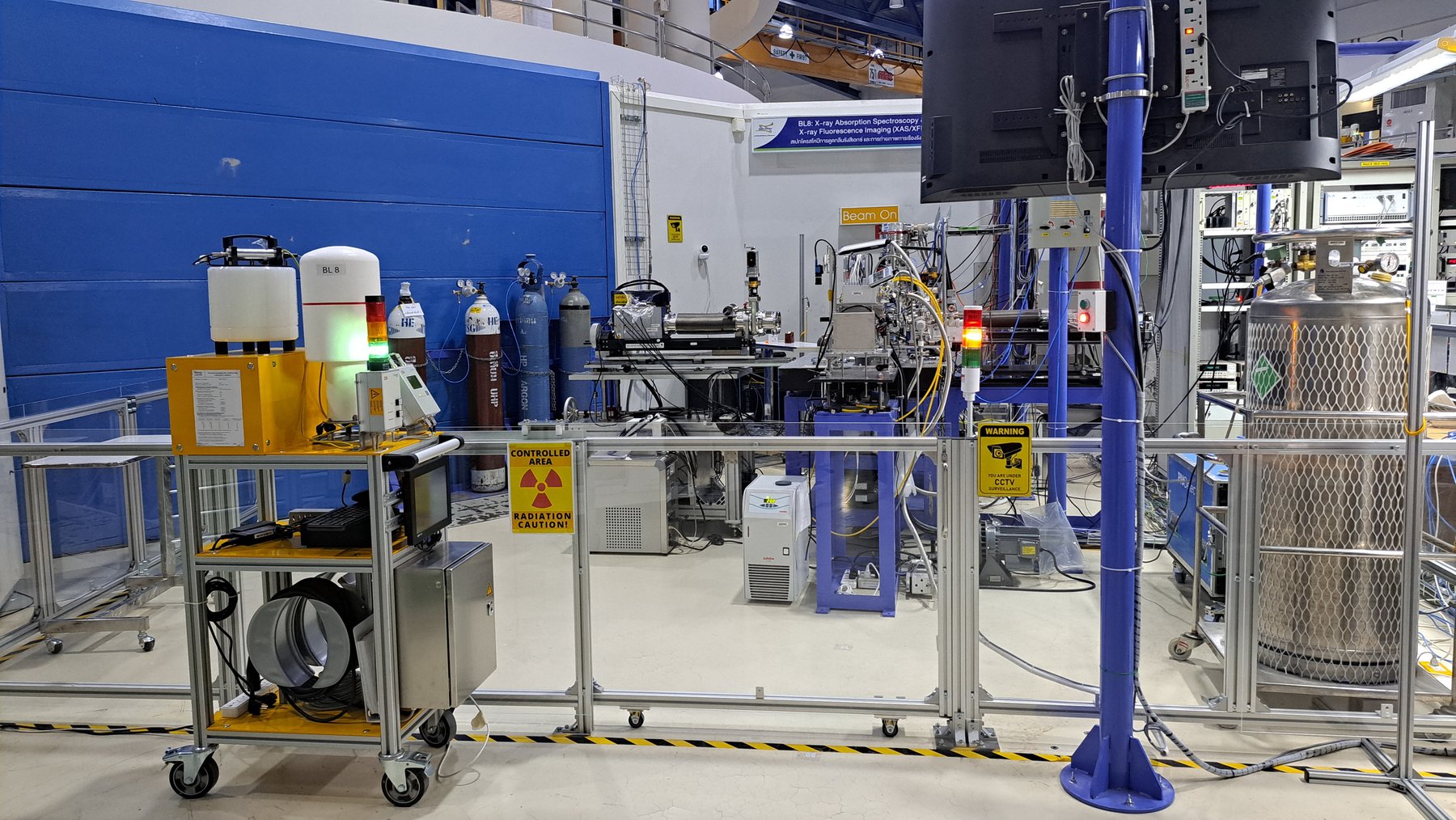
Closing the Door
-
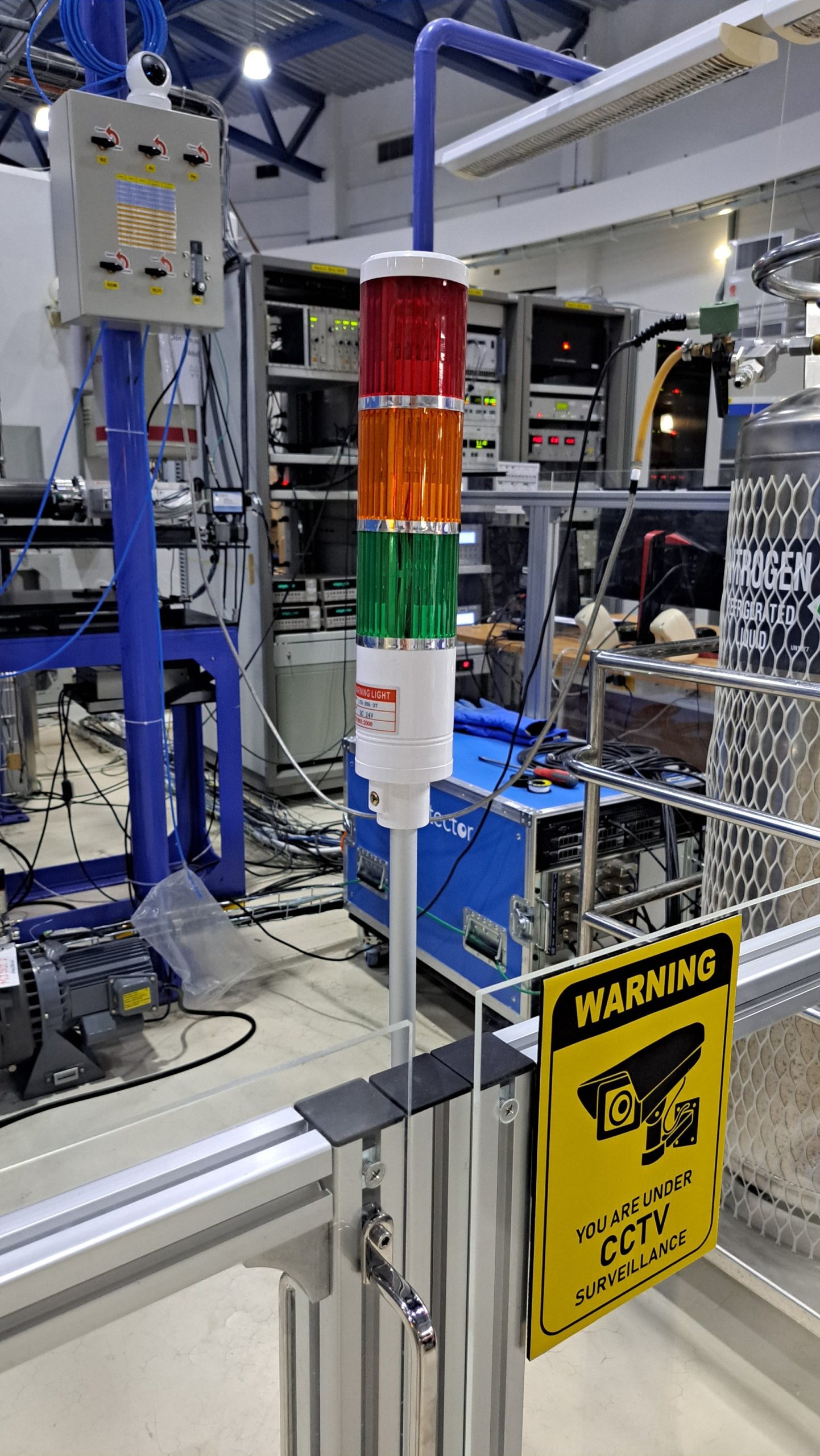
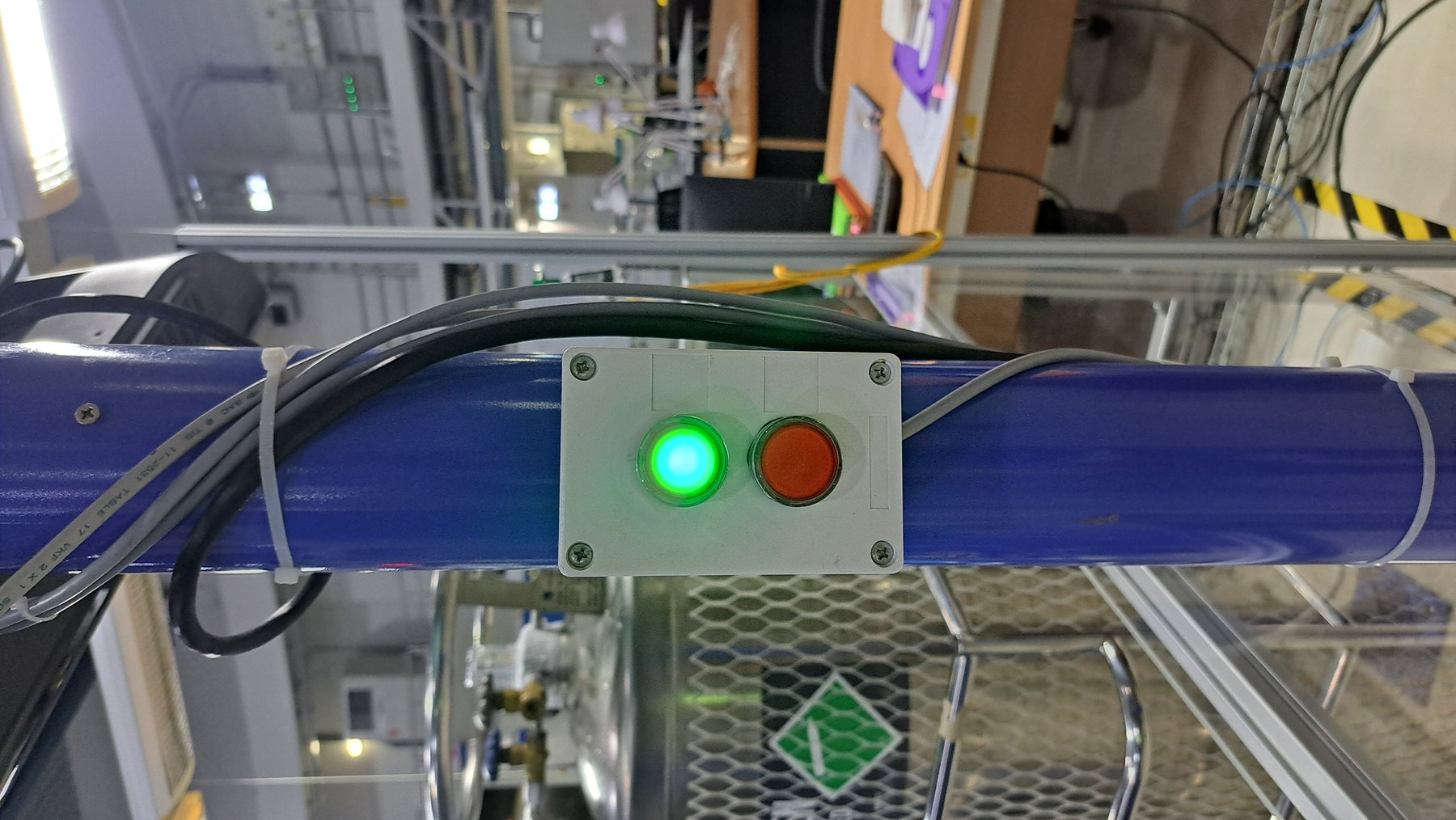
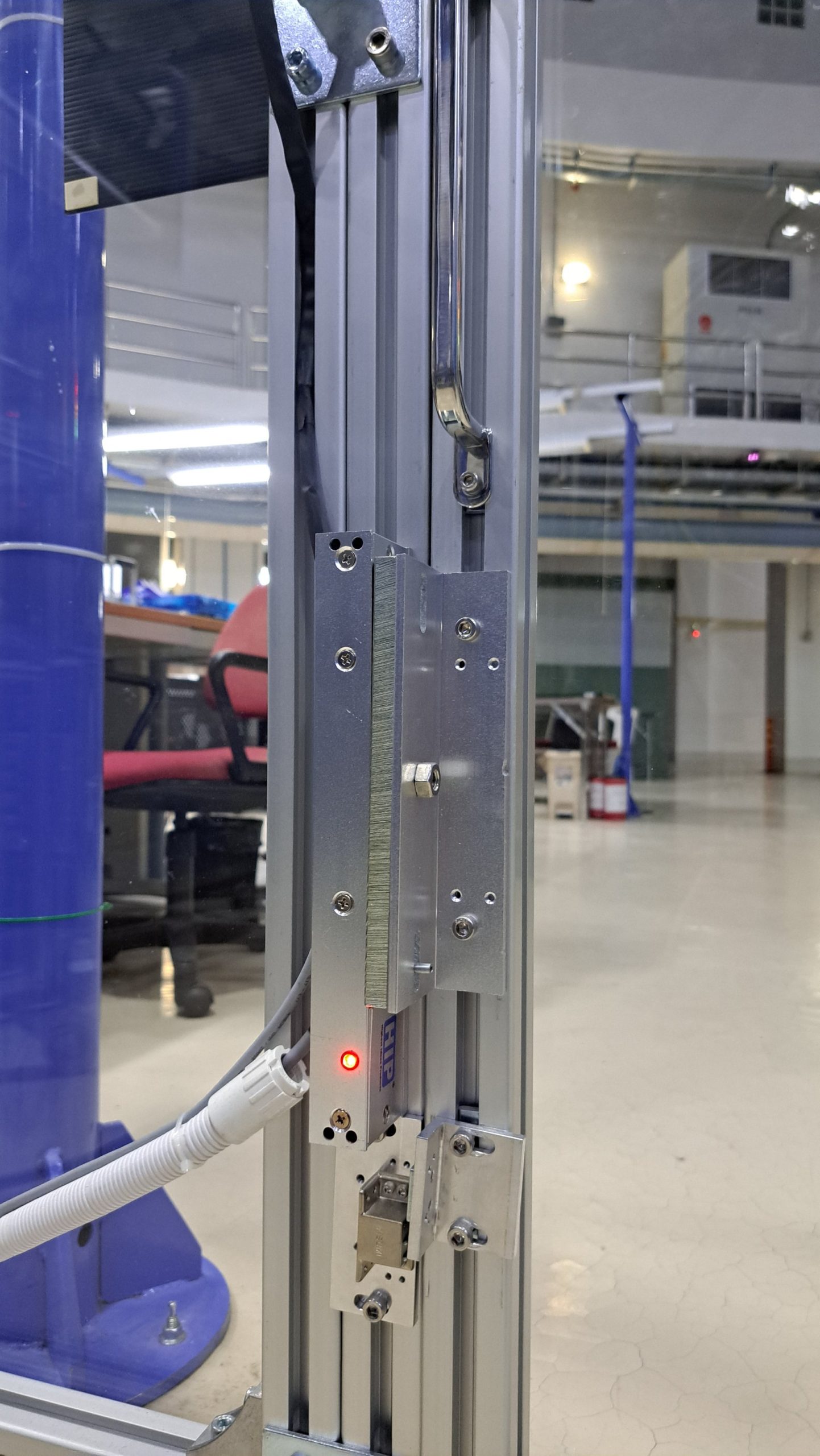
Press the red button, then slide the door closed. The tower light will change from green
to yellow.
 Note: If the light does not turn yellow, the magnetic sensors on the door are not aligned.
Solution: Press the green button, slightly slide the door open, and repeat Step 1.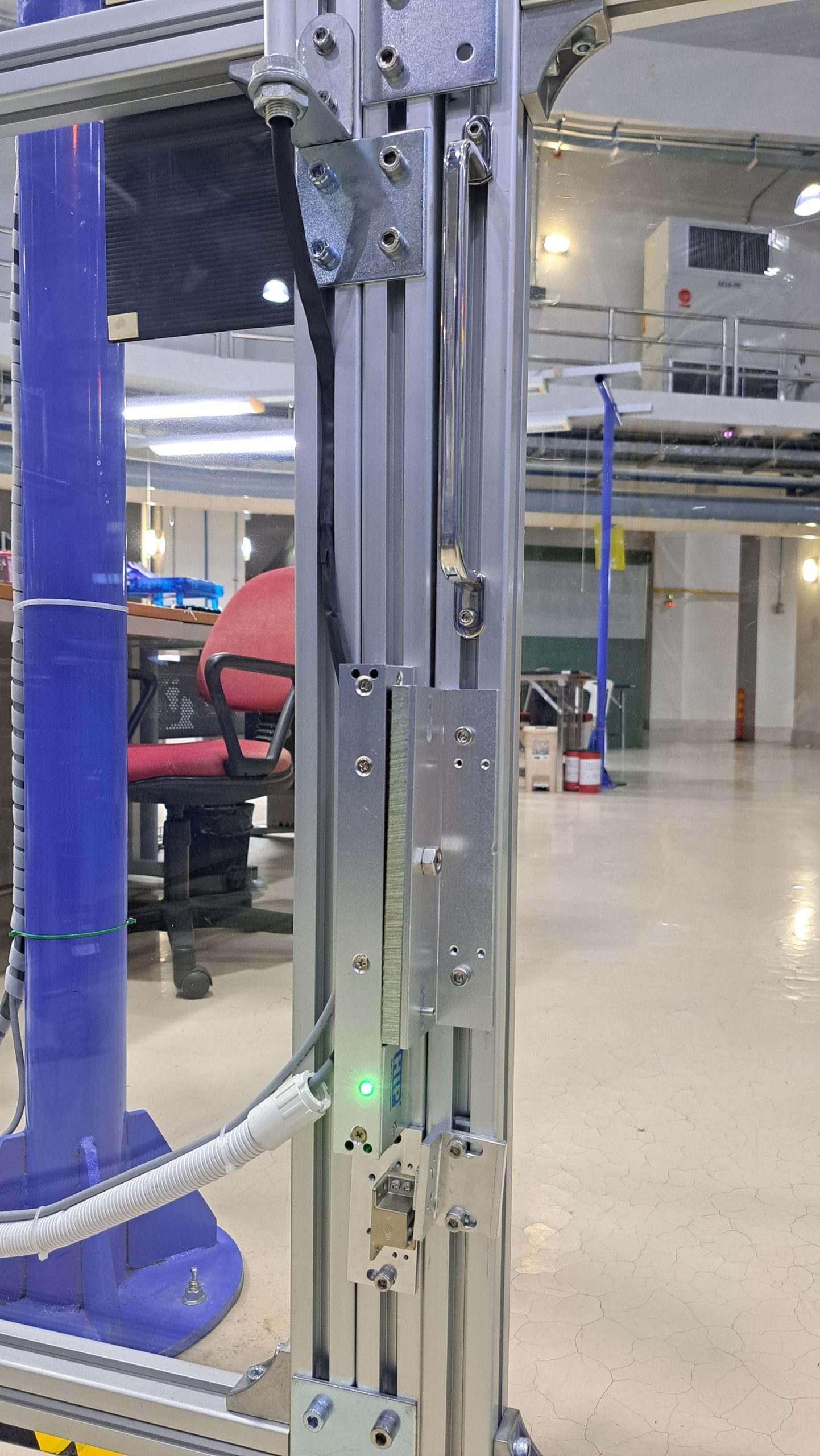
- Open the shutters at positions WBS and BS in sequence in the Interlock Beamline 8 program.
- Once the shutters are opened, the tower light will change from yellow to red, indicating that the area is now occupied.
Opening the Door
Case 1: After completing a sample measurement
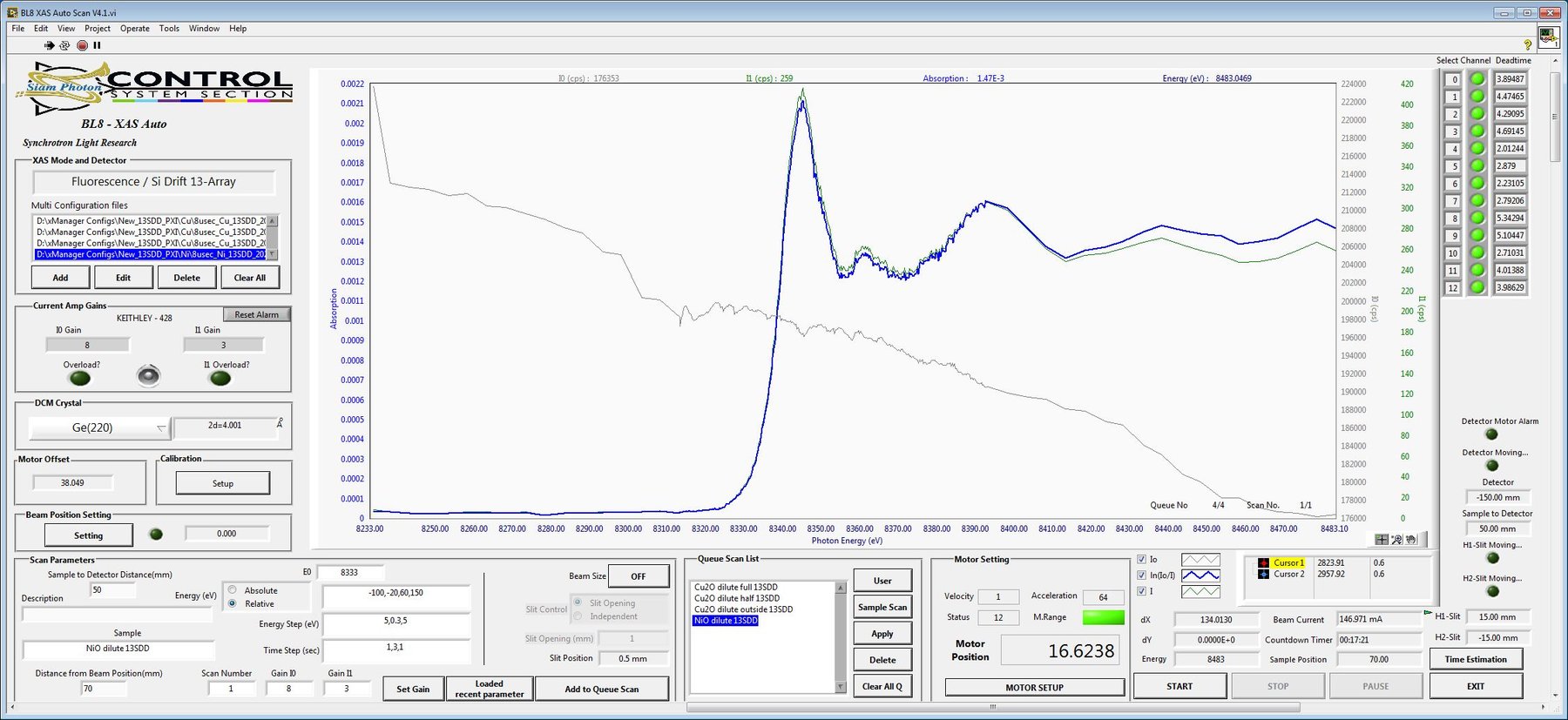
When the measurement is completed, the XAS Scan program will display a pop-up notification indicating “Scan complete.” In this case, the MBS and WBS shutters will automatically close, and the tower light will change from red to yellow, indicating that the beam is off and the area is preparing for access.
Case 2: Sample change or emergency stop
- Click the Stop button within the XAS Scan software interface.
- Close both the MBS and WBS shutters via the Beamline 8 interlock control system.
- Verify that the status indicator light has switched from red to yellow.
Next step
- Walk to the door control panel and press the green button to unlock the door.
- The tower light will change from yellow to green.
- Then slide the door open and enter the experimental area.